
How I Built a Semantic Search App with React, OpenAI, and Supabase
Blog post Instead of searching by exact keywords, you search by meaning.
AI
Alesia
9/13/20252 min read

Instead of searching by exact keywords, this app searches by meaning. Using embeddings, I can find content that’s contextually relevant, even if it doesn’t match the user’s query word-for-word.
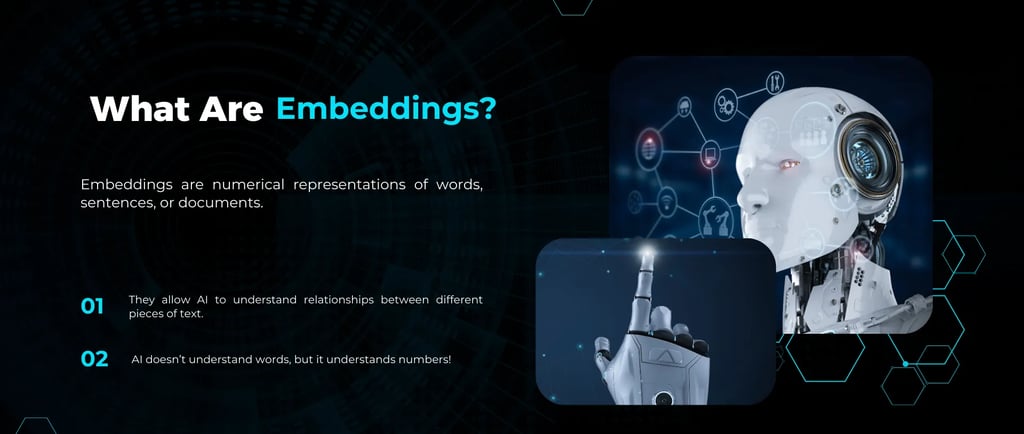
What Are Embeddings?
An embedding is a numerical representation of text. It captures the meaning of words or sentences in a way that allows for mathematical comparison. That means I can search by intent rather than exact words.
Here’s what happens in the app I built:
I input a piece of text.
I convert that text into an embedding using OpenAI.
I store that vector in a Supabase database.
Later, when a user types a search query, I generate a new embedding for that query.
Supabase compares it with all stored vectors and returns the most semantically similar result.
Press enter or click to view image in full size
This unlocks an entirely new way of interacting with content — enter semantic search.
Semantic search is a way of finding information based on meaning, not just keywords. Traditional search engines look for exact matches — if you search “how to train a dog,” they’ll look for pages with those exact words. But what if the best answer says “tips for puppy obedience”? Keyword search might miss it.
It interprets the intent behind your query. Using machine learning models — like OpenAI’s embedding API — it turns sentences into high-dimensional vectors that reflect semantic relationships. Then it compares those vectors mathematically to return the most relevant results… even if none of the words match exactly.
At the core of this system are embeddings — those vectors we keep talking about.
When OpenAI generates an embedding, it doesn’t just spit out a handful of numbers. It outputs a 1536-dimensional vector.
Why 1536 Dimensions?
When I first saw that OpenAI’s embedding model outputs a 1536-dimensional vector, I wondered — why that specific number?
Turns out, each number in the vector represents a different semantic aspect of the text. The more dimensions you have, the more nuanced and detailed the representation becomes.
More dimensions = better ability to capture subtle relationships between words and meanings.
However, there’s a balance to strike:
✅ Too few dimensions → the AI might miss important context
✅ Too many → it’s computationally expensive and slows things down
The 1536 value is OpenAI’s sweet spot — optimized for accuracy + performance.
Do You Set the Number 1536 Somewhere?
No, you don’t manually set this number. The dimensionality (1536) is determined by the specific embedding model you choose when calling the OpenAI API.
For example, when you use this line in your code:
model: "text-embedding-ada-002"
You’re telling OpenAI, “Hey, use your ada-002 embedding model.” And that specific model always outputs a 1536-dimensional vector.
So it’s not something you configure or tweak — OpenAI’s model architecture determines it for you.
Ready to See It in Action?
Now that we’ve explored how semantic search works and why OpenAI uses 1536 dimensions, it’s time to bring this concept to life.
Whether you want to build your own AI-powered search tool or just understand how it works, these videos will guide you through everything.
Empowering developers to master programming through personalized guidance and practical learning.


© 2025 AleAI DevCrafter. All rights reserved.